
The Aurix kit builder lets you design a custom instrument tray online and request a quote in a few minutes. Here is how it works.
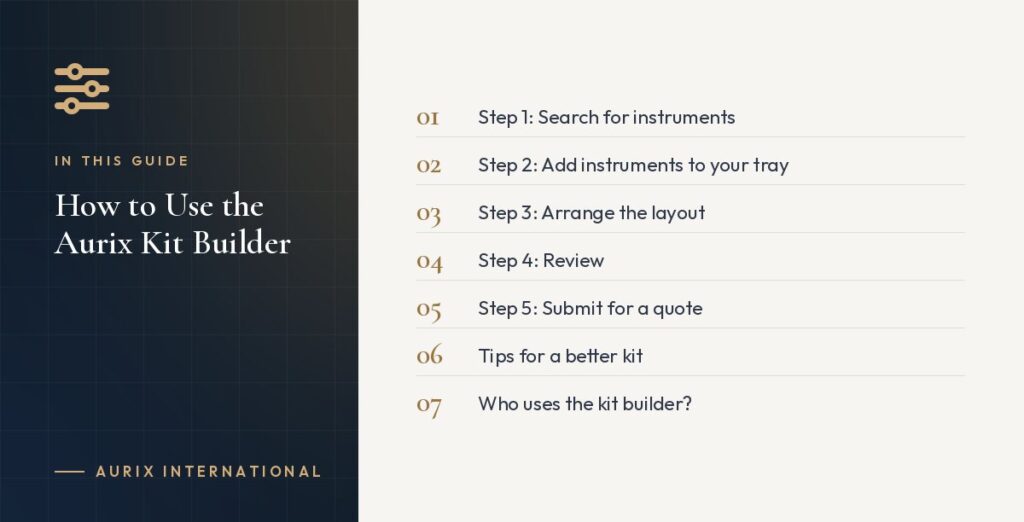
Step 1: Search for instruments
Search the catalogue of more than 500 instruments by name, pattern or category. You can look for a specific pattern, such as a “Cryer elevator”, or browse categories such as extraction forceps, elevators or retractors.
Step 2: Add instruments to your tray
Add each instrument you want. The visual editor shows your tray as you build it.
Step 3: Arrange the layout
Drag and drop instruments into the order you want them in the cassette. Arranging by order of use makes assisting faster.
Step 4: Review
Check the instrument list and quantities. If you are building kits for several rooms, note how many identical kits you need.
Step 5: Submit for a quote
Submit your layout and contact details. The Aurix team reviews the kit and sends a custom quote, typically within 48 hours.
Tips for a better kit
- Start from an existing tray and remove instruments you never use.
- Include duplicates of instruments that are frequently dropped or swapped.
- Add a note if you want branding or a particular cassette size.
Who uses the kit builder?
- Clinics standardising trays across rooms.
- Dental schools equipping student cohorts.
- Distributors creating their own kit ranges.
- Mobile and outreach clinics needing compact kits.
Questions?
If you are unsure which instruments to include, describe the procedure and the team will suggest a configuration. Contact us or open the kit builder to start.